Talk toyour apps.
Connect the apps that run your business, like FreshBooks and your CRM, to the AI assistant you already use. Then just ask.
Works with Claude and ChatGPT.
25 free calls · no card needed · No technical setup · Cancel anytime
US-first. Outside the US? Join the waitlist
Ask your business something
FreshBooks · reads only
This only reads, so your assistant can answer it with the default setting.
Your assistant can do this.
Not needed — this question only reads.
Or try one of these:
One place to connect your apps
Add the apps you already run your business on. Sign in once, and your AI can answer questions and get things done across them, in plain English.


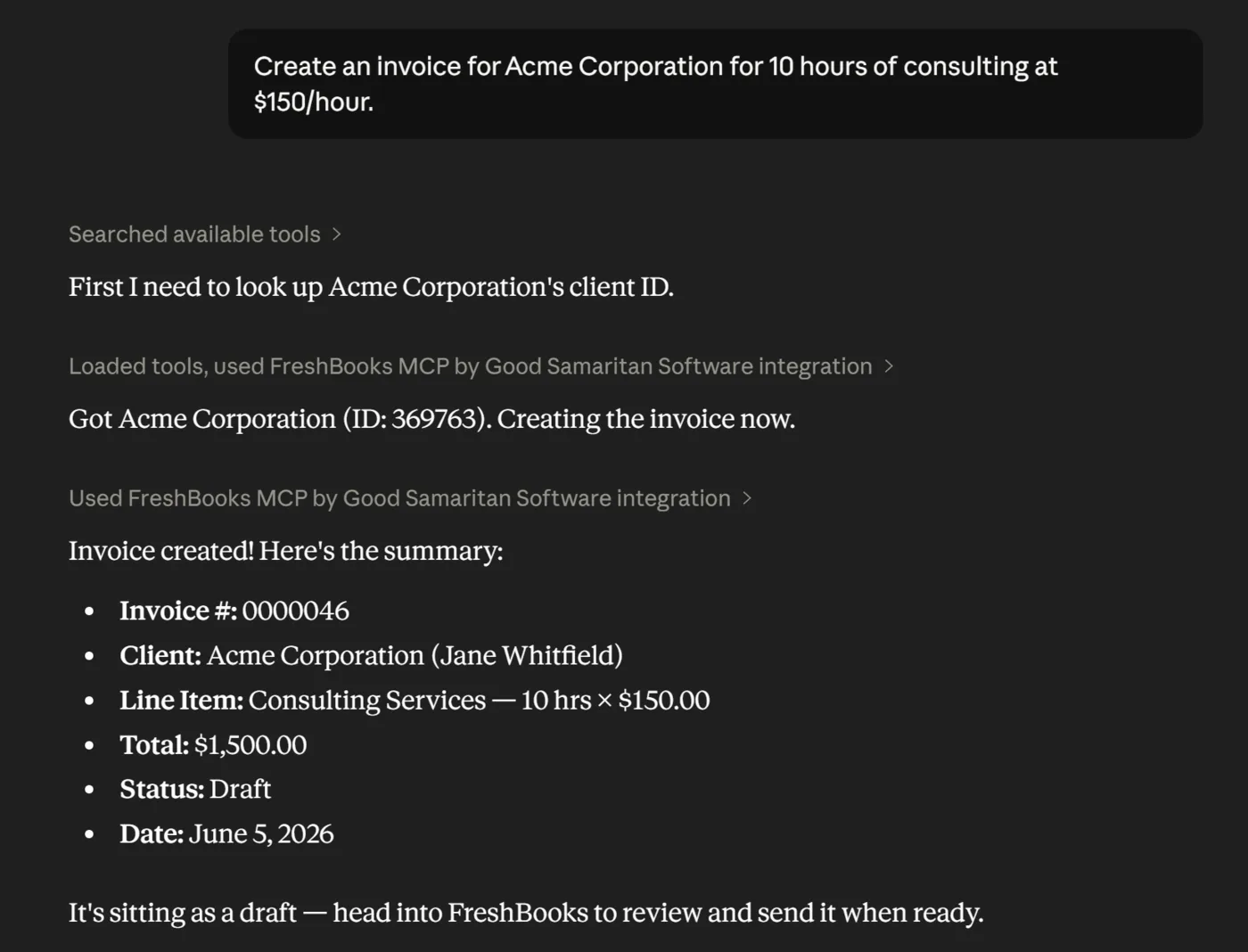
“Create an invoice for Acme Corporation.” Done, as a draft, in FreshBooks.
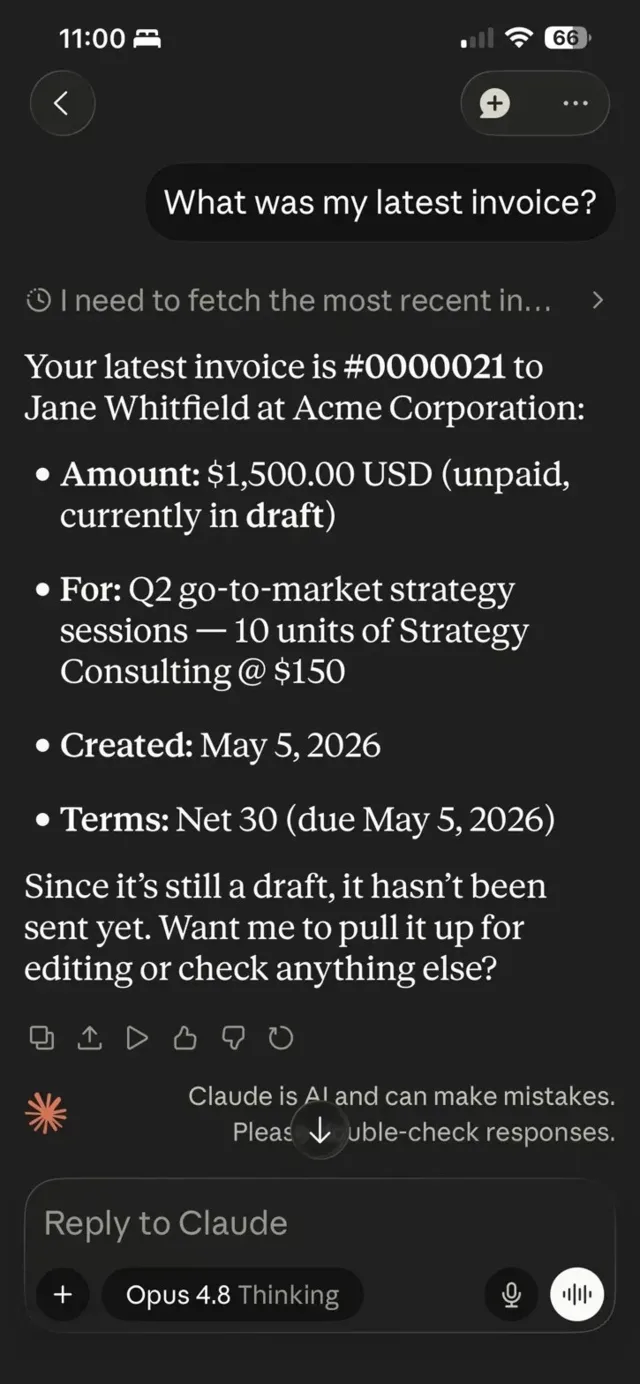
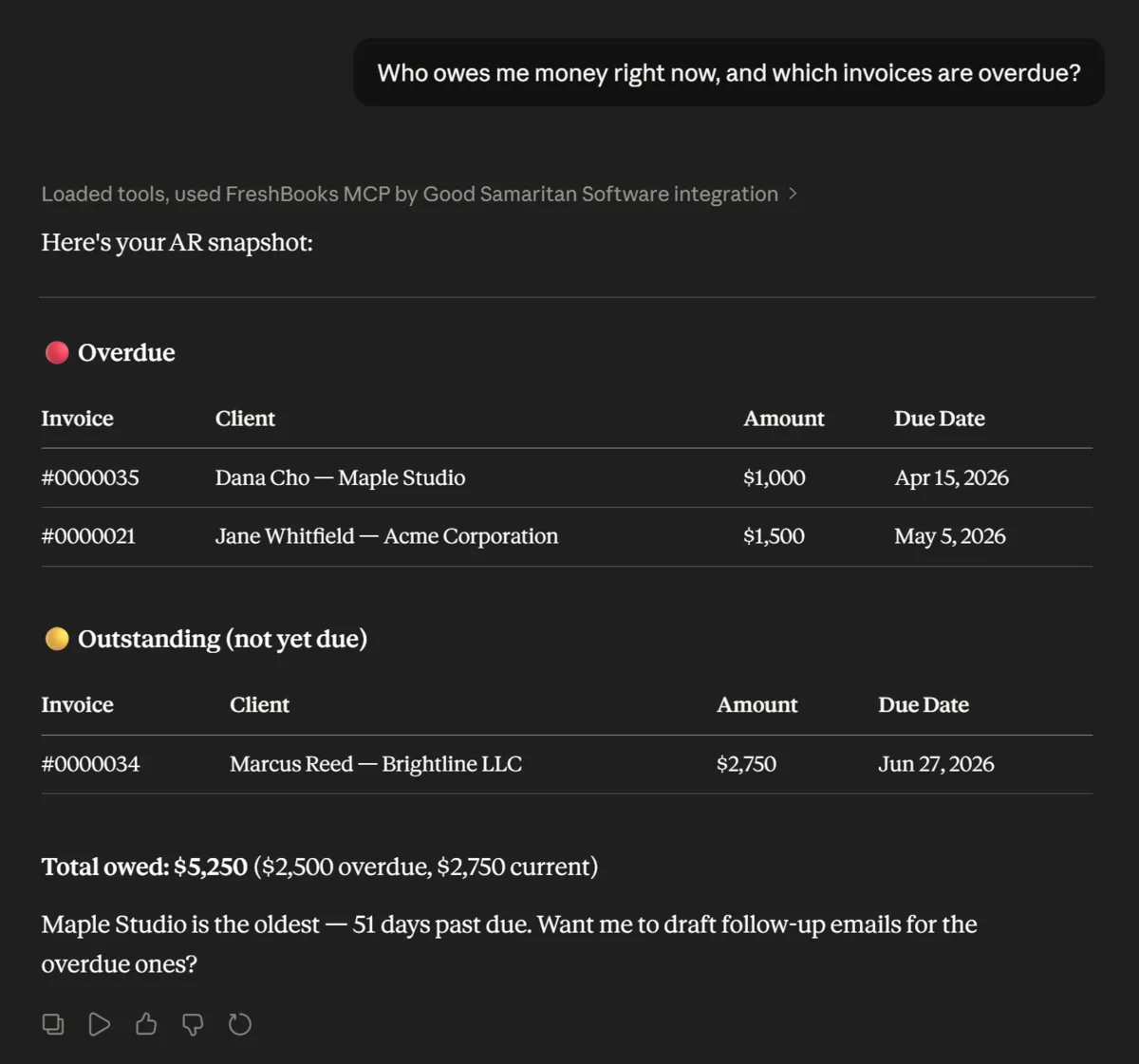
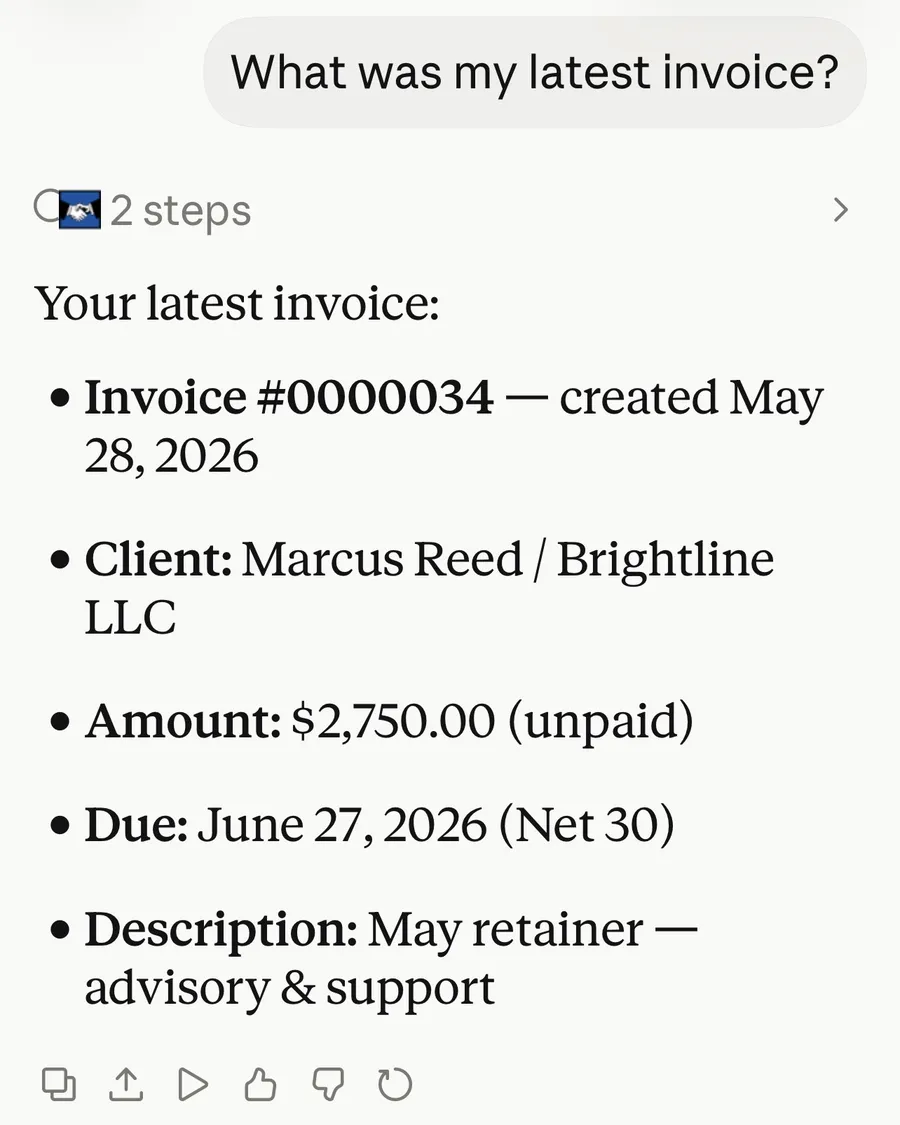
Real conversations in Claude on desktop and phone, using a demo FreshBooks account.
Safe, secure, and simple
Read-only by default
Your AI assistant can look but not touch. It cannot create, change, or delete anything in any app until you turn on write access.
Bank-grade encryption
Your connections are protected with AES-256 encryption. We store secure access tokens, never your business data itself.
Each app’s own login
You authorize each app through its own secure sign-in. We handle the connection, and there is nothing to renew or maintain.
No API key to copy
No codes to paste, no config files to edit. Add an app and sign in. That is the whole setup.
Hours back
Skip the data entry and the app-switching. Invoice a client, log an expense, or update a lead in seconds, just by asking.
On top of things
Ask who owes you, what’s in your pipeline, or how this month is going, without digging through reports or spreadsheets.
Across your apps
Connect once and forget the plumbing. Your apps stay linked in the background, ready whenever you are.
Set up in minutes
No commands, no terminal, no config files. If you can add a contact to your phone, you can connect your apps to your AI assistant.
At AppConnect
- Create your free accountNo card
- Add an app and sign in onceIts own login
- Your first 25 callsFree
In your AI assistant
- Add AppConnect as a custom connectorNo key to copy
- In ChatGPT, turn on Developer mode under Settings → Security and Login first, then add it from Plugins in the main menu on the web.
From then on
- Send an invoice, pull up a lead, check who owes youJust ask
- Your business, one question awayDone
Simple pricing
One app, $29.Every app, $49.
Single app
Perfect to start. Connect one app and talk to it.
Per month, or $290 a year (2 months free).
- 25 free calls to start — no card needed
- One connected app, fully unlocked
- All of that app’s tools
- AES-256 encryption
- Cancel anytime
All apps, the best value
Get everything. Connect every app and talk to your whole business.
Per month, or $490 a year (2 months free).
- 25 free calls to start — no card needed
- Every available app included
- All tools across every app
- AES-256 encryption
- Cancel anytime
Try it with 25 free calls · no card needed. Plans bill from the day you subscribe, cancel anytime.
View full pricing detailsCurrently available in the United States only. Not in the US? Join the waitlist
Built on the Model Context Protocol
For developers: AppConnect is a hosted MCP platform, and the docs cover every client. Each app you add exposes its full toolset to any MCP-compatible client. Every client connects the same way: paste the server URL and sign in once with OAuth. There is no API key — Claude, ChatGPT, Claude Desktop, Cursor, Windsurf, Continue and Cline all use the same sign-in.
- FreshBooks tools
- 92
- FreshBooks tools: invoices, clients, time tracking, expenses, projects, payments, reports, and more.
- Less Annoying CRM tools
- 71
- Less Annoying CRM tools: leads, contacts, pipelines, and more.
Questions
Do I need to be technical to set this up? No. There are no commands, terminals, or config files. You add AppConnect in your AI assistant and sign in to each app once. That is the whole setup.
Can I connect more than one app? Yes, that is the whole idea. Start with one app on the Single app plan, or get everything with the All apps plan and connect them all.
Which apps are supported? FreshBooks and Less Annoying CRM are available today, and we are adding more. Tell us which app you would connect next.
Is my data secure? Yes. You sign in through each app’s own secure login, and we store only the encrypted access tokens (AES-256), never your business data. Your assistant is read-only by default. It cannot change anything until you turn on write access.
Do I need a developer account for my apps? No. We handle all the connection details. You just authorize your regular account for each app.
Can I cancel anytime? Yes. Cancel through the billing portal anytime. You keep access until the end of your billing period.
What happens after my free calls? Your first 25 successful calls are free, with no time limit and no card needed. After that, your AI will let you know, with a link to pick a plan. Plans are billed from the day you subscribe; cancel anytime.
What about my Google account? If you sign in with Google, AppConnect receives only your name, email address, and profile picture, used solely to create and secure your account. We never access any other Google data.
Ready to get started?
Start with 25 free calls, no card needed. Cancel anytime.